Every image & video,saved in one click
Open any RedNote post, tick what you want, and download it all into a single folder.
- Watermark-free original video when available
- Works on image posts and video posts
- Pick only the files you need
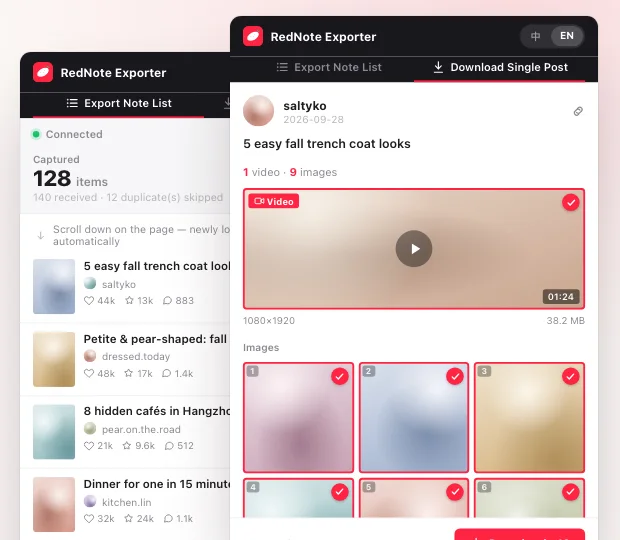
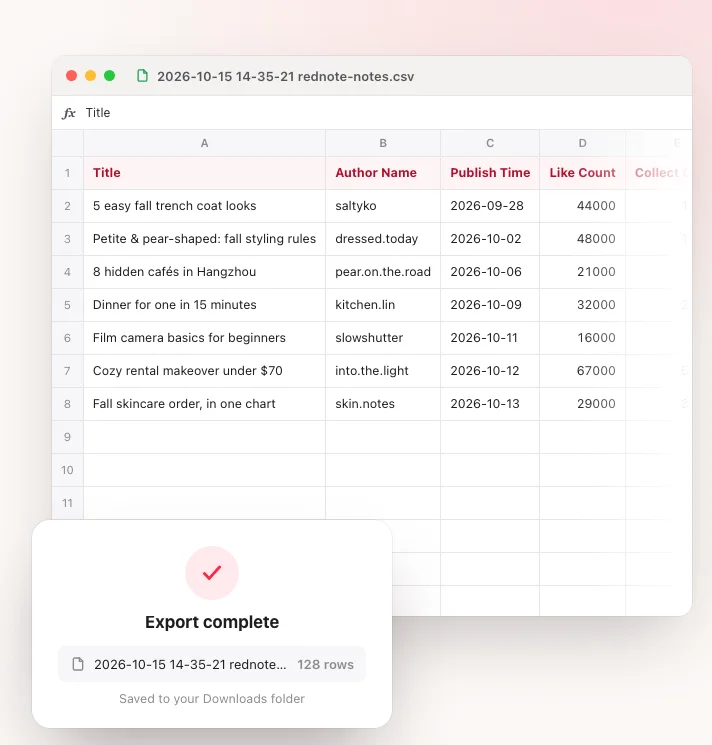
Open a post and grab every image and the video into one folder. Scroll the home feed, a search or a profile, and every note you pass is collected, ready to export as a spreadsheet.
Save a single post's images and video, or turn a whole page of notes into a spreadsheet.
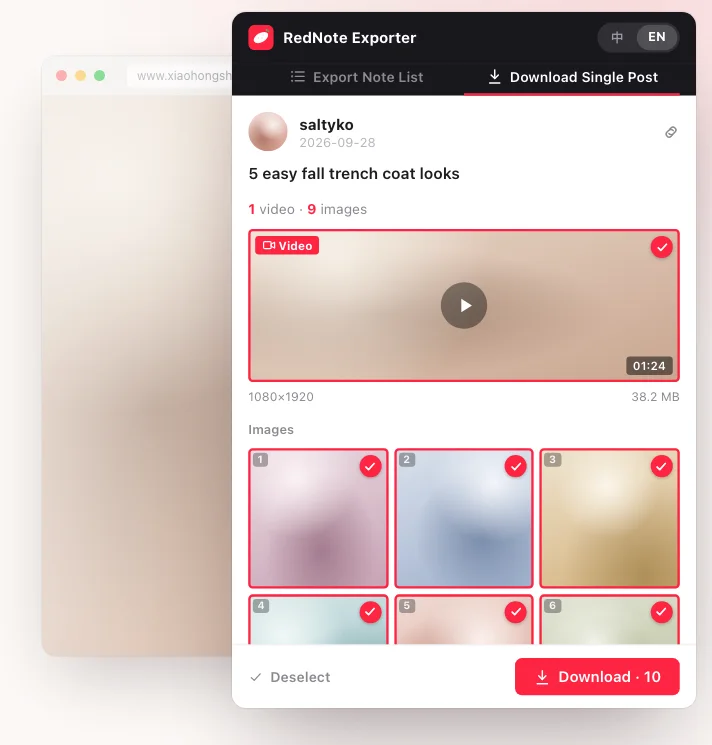
Open any RedNote post, tick what you want, and download it all into a single folder.
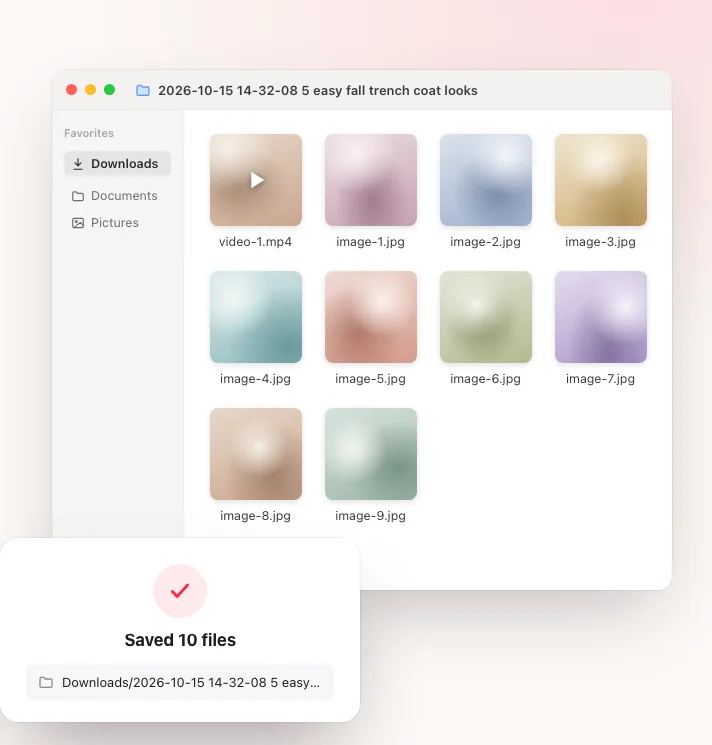
Each download goes into a folder named after the time and the post title, with files numbered in order.
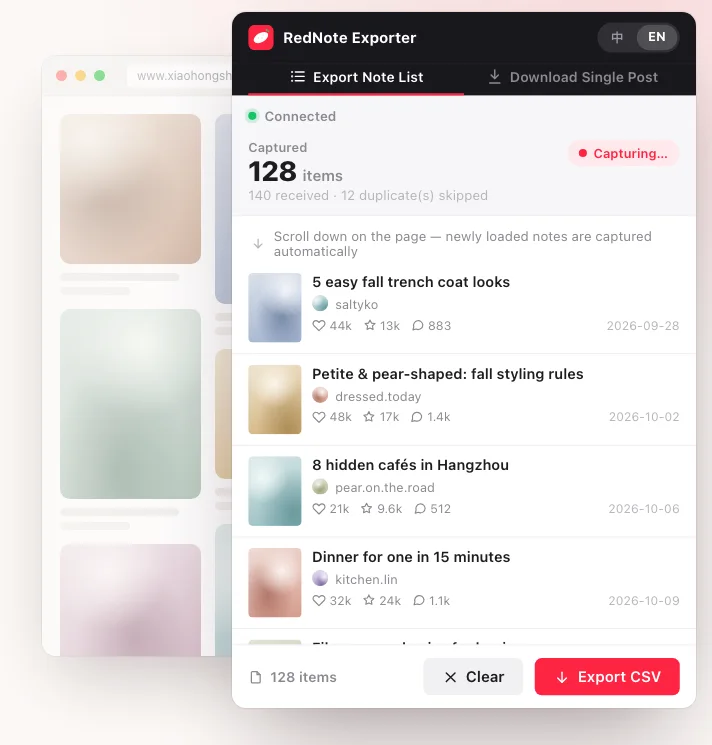
Browse the home feed, search results or a profile — every note you scroll past is captured and de-duplicated.
Opens straight in Excel, Numbers or Google Sheets — handy for content research and competitor tracking.
The home feed, search results, a profile, or any post.
Choose Export Note List or Download Single Post. On a list, keep scrolling to collect more notes.
Click Export CSV for the spreadsheet, or tick images and video and download them. Clear starts over.
The extension has no sign-up and never reads your RedNote account details.
Capturing, exporting and downloading all happen in your browser. Nothing is sent to us or anyone else.
It only reads notes already visible on the RedNote page you are browsing.
Yes. There are no paid features and no account to create.
The extension downloads the watermark-free original whenever it is available. For the occasional post where it isn't, it falls back to the regular video stream, which may carry a watermark.
Only search results return the full collect, comment and share counts and the publish time; the home feed and profile pages return the like count only. Columns RedNote didn't return are left empty rather than filled with 0, so a blank cell means “not provided”, not a count of zero.
Only in the current tab. Closing the tab or clicking Clear discards them. Exported CSVs and downloaded files go to your own Downloads folder and are never uploaded anywhere.
Both xiaohongshu.com and rednote.com. It is built for Chrome; Chromium-based browsers such as Edge and Brave can usually install it from the Chrome Web Store too.